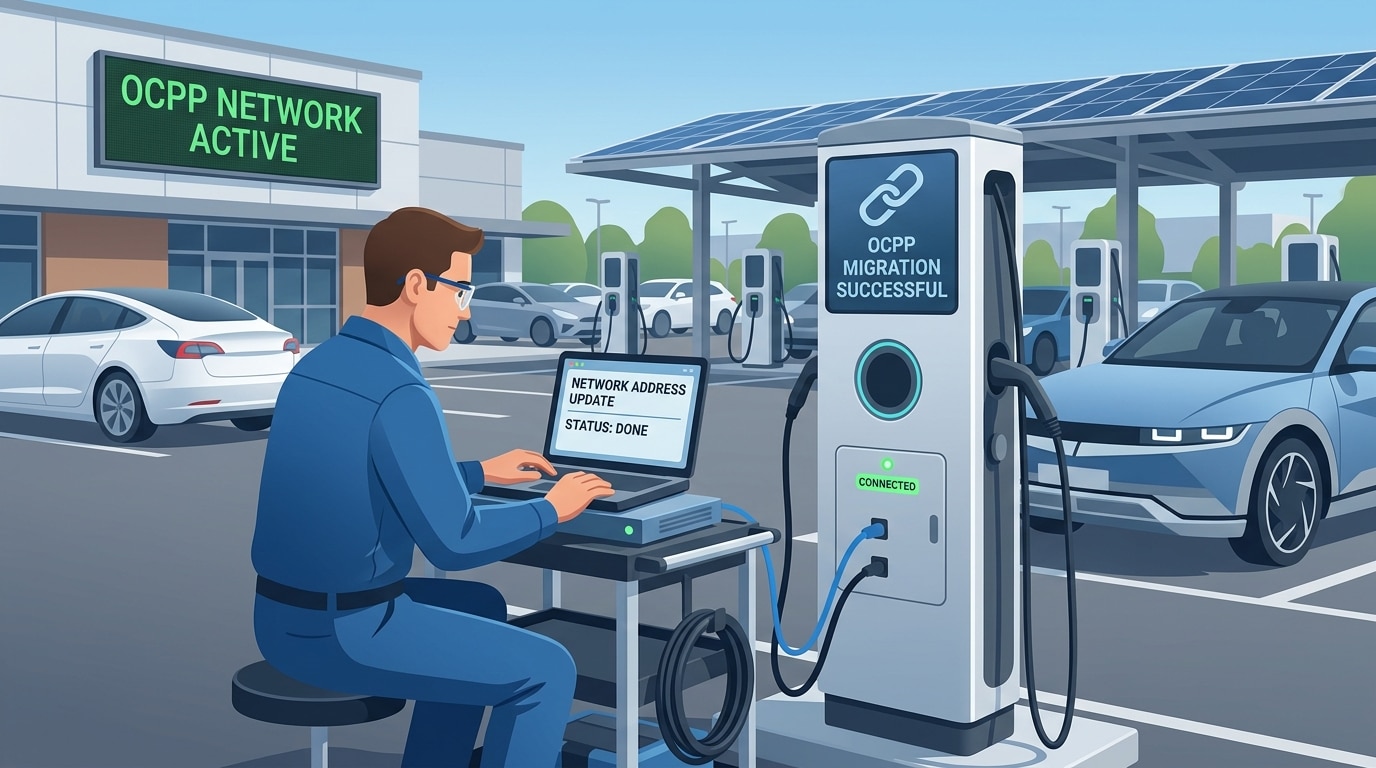
EV charging hardware tied to proprietary platforms may be migrated to a new software provider without replacing physical assets where the chargers support the required Open Charge Point Protocol (OCPP) version, firmware and configuration access. By auditing compatibility, setting up a new charging station management system (CSMS) and repointing the charger’s OCPP endpoint URL—through remote commands or local tools—operators can pursue vendor-neutral network control while minimizing capital expenditure and downtime.
As the EV charging market matures, commercial property owners, fleet operators and charge point operators (CPOs) are increasingly looking for flexibility in how they manage charging networks. Some earlier deployments relied on hardware supplied or managed through vendor-specific software ecosystems, which can make it harder to change providers, integrate third-party systems or scale a network.
Where chargers support the appropriate version of OCPP, operators may be able to migrate to an independent CSMS without replacing the physical hardware. The exact process depends on the charger model, firmware, security configuration and access rights granted by the current provider.
Why vendor lock-in occurs
Charging hardware is often bundled with a manufacturer’s cloud platform, preferred software interface or managed service. That can simplify initial deployment, but it may limit long-term flexibility.
Potential constraints include:
- Backend restrictions: A charger may be configured to communicate only with a particular CSMS or use a proprietary communication layer.
- Limited data access: Operators may have restricted access to detailed telemetry, session history or advanced smart-charging settings.
- Commercial dependency: Payment processing, user management and service fees may be tied to the original provider.
- Upgrade uncertainty: Firmware updates, configuration access or technical support may depend on the hardware vendor or current software provider.
OCPP does not automatically remove every restriction. Its value is that, where implemented and enabled, it provides a standardized way for a charge point to communicate with a CSMS.
How OCPP enables hardware-software separation
OCPP is an open protocol maintained by the Open Charge Alliance (OCA). It governs communication between EV charging stations, known as charge points, and a CSMS.
In an OCPP 1.6 JSON deployment, the charge point generally initiates a persistent WebSocket connection to the CSMS endpoint. Core functions can include remote start and stop, RFID or app-based authorization, firmware updates, meter-value reporting and smart-charging profiles.
OCPP 1.6 and OCPP 2.0.1 are not compatible with each other. A migration plan must therefore confirm which OCPP version the charger supports and ensure the new CSMS supports that same version—or determine whether a firmware update is available.
Step-by-step technical migration plan
Step 1: Audit OCPP compatibility
Before changing software providers, confirm that each charging station runs—or can be updated to run—the OCPP version required by the target CSMS.
Check the manufacturer’s specification sheet, administrative portal or local configuration tool. Confirm support for OCPP 1.6 JSON over WebSocket, OCPP 2.0.1 or another version explicitly supported by the new platform.
If the charger requires a firmware update to enable OCPP, obtain written confirmation from the manufacturer or current provider covering:
- The available firmware version
- Whether the update unlocks OCPP or changes its functionality
- Any cost, warranty, security or support implications
- Whether the charger can be configured to connect to a third-party CSMS
Step 2: Prepare the new CSMS environment
Set up the target vendor-neutral CSMS before changing the charger’s network configuration.
This should include:
- Creating the operator, site and charger hierarchy
- Configuring tariffs, user groups, access rules and site layouts
- Generating the new OCPP endpoint URL
- Confirming the required security profile and credentials
- Preparing test RFID cards, app accounts and test charging sessions
Security requirements vary by OCPP version and implementation. OCPP 2.0.1 and 2.1 support TLS 1.3, while OCA guidance also notes that TLS 1.2 or newer may be permitted, depending on the OCPP version, security profile and implementation.
Step 3: Repoint the charger
The central task is to direct the charger’s OCPP connection to the new CSMS.
The method depends on the hardware and the access available. Options may include:
- Installer app or Bluetooth configuration tool: Some manufacturers provide local setup utilities.
- Local web interface or maintenance mode: A technician may connect through the charger’s local Wi-Fi access point, Ethernet diagnostic port or service interface.
- Remote configuration: Where permitted, the existing CSMS may send an OCPP 1.6
ChangeConfigurationcommand to update a supported configuration key. In OCPP 2.x,SetNetworkProfileis the relevant remote-migration method.
Do not assume remote repointing will be available. Some providers restrict configuration access, require a firmware update or require an on-site technician.
Step 4: Test before full rollout
After the charger connects to the new CSMS, verify that it appears online and reports its status correctly.
At minimum, test:
- Connection: Confirm the charger sends a
BootNotificationand maintains a heartbeat. - Authorization: Test RFID cards, mobile-app authorization and any other access method used on site.
- Transactions: Run test sessions and confirm start, meter-value reporting and stop messages.
- Smart charging: Validate load management, power limits and dynamic load-balancing settings.
- Payments and roaming: If applicable, test payment terminals, payment-service-provider integrations and roaming connections.
Best practices for a low-risk migration
A staged rollout reduces the risk of downtime, lost revenue and configuration errors.
- Start with a pilot: Migrate one charger or a small group first, rather than an entire network.
- Check network access: Confirm that site routers and firewalls allow the required outbound secure WebSocket traffic, commonly over TCP port 443 for
wss://. - Preserve operational data: Agree in advance how historical transactions, user accounts, tariffs and reporting data will be handled. Data migration is not an OCPP function and must be arranged separately with the outgoing and incoming providers.
- Schedule a fallback: Keep a documented rollback plan in case the new CSMS connection fails.
- Confirm roles and responsibilities: Define who performs firmware updates, electrical work, configuration changes, testing and post-migration support.
The bottom line
OCPP can give EV charging asset owners a route to change software providers without automatically replacing charging hardware. But successful migration depends on the charger’s OCPP implementation, firmware access, security configuration and the cooperation of the current provider.
The most reliable approach is to audit each charger model, confirm OCPP and CSMS compatibility, test a small group of stations first, and only then roll out the migration across the wider network.
FAQ: Migrating EV Charging Hardware With OCPP
Can OCPP migration avoid replacing EV chargers?
Often, yes. If a charger supports the required OCPP version and can be configured to connect to a new CSMS, operators may be able to retain the hardware. Compatibility, firmware and vendor access must be confirmed first.
Does OCPP 1.6 work with OCPP 2.0.1?
No. OCPP 1.6 and OCPP 2.0.1 are not compatible. The new CSMS must support the charger’s implemented OCPP version, or the charger may require a firmware update.
How is a charger repointed to a new CSMS?
Depending on the hardware, it may be repointed through a local installer app, web interface, maintenance port or remotely through OCPP commands. In OCPP 1.6, ChangeConfiguration may be used for supported configuration keys; in OCPP 2.x, SetNetworkProfile is relevant.
Will every charging provider allow remote migration?
No. The current provider may restrict remote configuration, require a technician visit or require a firmware update before the charger can connect elsewhere.
What should be tested after migration?
Operators should test charger registration, heartbeats, RFID and app authorization, charging sessions, meter-value reporting, remote stop commands and smart-charging settings.